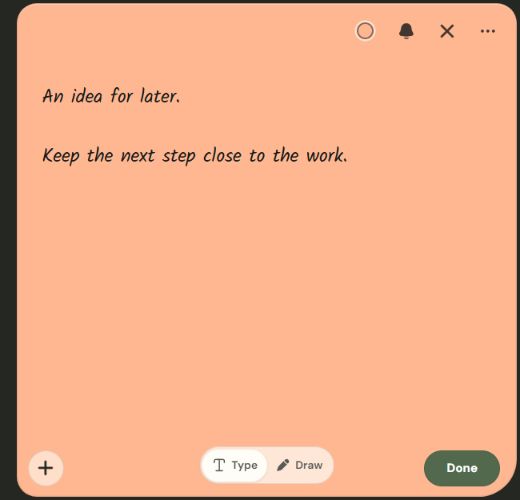
Less hunting for the thought you left behind.
A short note can lose its meaning when it becomes one more square on a crowded desktop. Context gives it a connection to the work it belongs to. The Windows development build includes application-linked notes and general notes, with a library for finding what you saved.
Current matching uses application and window information; browser matching uses tab titles. It does not provide a universal exact-URL, document-position or cross-device return guarantee. Understand how context matching works.
Inside the development build
- Words and ink
- Typed text and freehand drawing, with a choice of note colours and fonts. The note editor is being developed for mouse, keyboard and pen input.
- A place to return
- Application-linked and general notes, local search, Archive and Trash. Returning to another application still depends on that application and Windows.
- Files and reminders
- Local attachments and reminder/calendar workflows are included in development. Phone notification delivery and device-to-device sync have not launched.
- Your working copy stays local
- Note content is stored on the Windows device. Account and licence services are separate; local-first does not mean every service is offline or that a backup happens automatically.
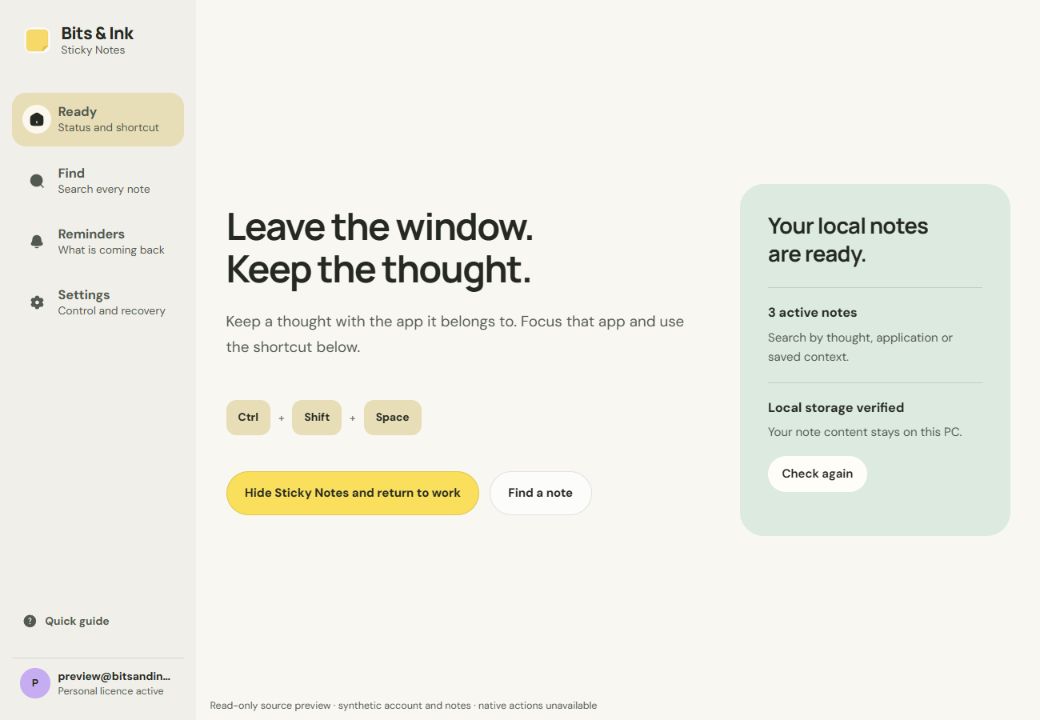
A small workflow
- Start with the work. In the Windows development build, focus an application and use Ctrl + Shift + Space to open a contextual note.
- Keep the next thought. Type a short instruction or sketch an idea. General notes provide a place for thoughts without an application context.
- Return when it matters. Reopen from context or use Find. A timed reminder answers a different question: when you want to return.
This describes the current development workflow, not an installation guide for an available release. Read the contextual notes guide.
Platforms and availability
- Windows
- Current development platform. Preparing for a dependable beta; no public download or launch date is announced.
- macOS, iPhone and Android
- Future plans. These apps and cross-device reminders are not available from Bits & Ink today.
- Free and Pro
- Planned tiers. Prices, feature limits and renewal terms are still being worked out. There is nothing to purchase here.
- Teams and Organizations
- Later scope. Shared notes, team administration and organizational plans have not launched.
Building trust before release
Local data recovery and isolated internal testing are part of beta preparation. Full backup and restoration need to cover text, ink, attachments, reminders and settings together. An export of note records alone should not be treated as a complete backup.
Read local notes, exports and backups. Public release information will state the supported version, limitations and recovery options when the product is ready.
Made by Ankit. Built with care.
Bits & Ink is an independent digital stationery brand founded by Ankit Bhardwaj. Meet the maker and find verified links, including Ankit6149 on GitHub.
Product information updated .